Visit the Ubuntu Satanic store

Website hosted by

Download
Ubuntu Satanic Edition is a series of themes to transform your boring old desktop in to a mean motherfucking soldier of darkness. There are various download methods available:
- Undead CD - install or try Ubuntu Satanic from CD
- APT - install the packages onto an existing Ubuntu PC
- Packages - download the packages individually
- Wallpapers - download the individual wallpapers
Packages
It is recommended that you install these packages from our APT repository, but they can also be downloaded individually if you prefer.
Latest version (666.8)
- satanic-plymouth-theme - Bootup theme
- satanic-wallpapers - Wallpapers (1600x1200)
- satanic-wallpapers-wide - Widescreen wallpapers (1680x1050)
- satanic-gnome-themes - Gnome GTK and metacity themes
- satanic-icon-themes - Gnome icon themes
- satanic-sounds - Gnome sound themes
- satanic-kde-themes - KDE login and splash themes
- gtk2-engines-aurora [i386] [amd64] - required for the Gnome themes
Eternity Screensaver
You need the eternity-screensaver package, but can add any of the plugins you like. See here for more info.
- eternity-screensaver [i386] [amd64] - Eternity Screensaver
- eternal-damnation [i386] [amd64] - Ubuntu SE plugin
- eternal-ubuntu [i386] [amd64] - Standard Ubuntu plugin
- eternal-studio [i386] [amd64] - Ubuntu Studio plugin
Wallpapers
The individual wallpapers can be downloaded from the screenshots page.
Compiz Skydomes
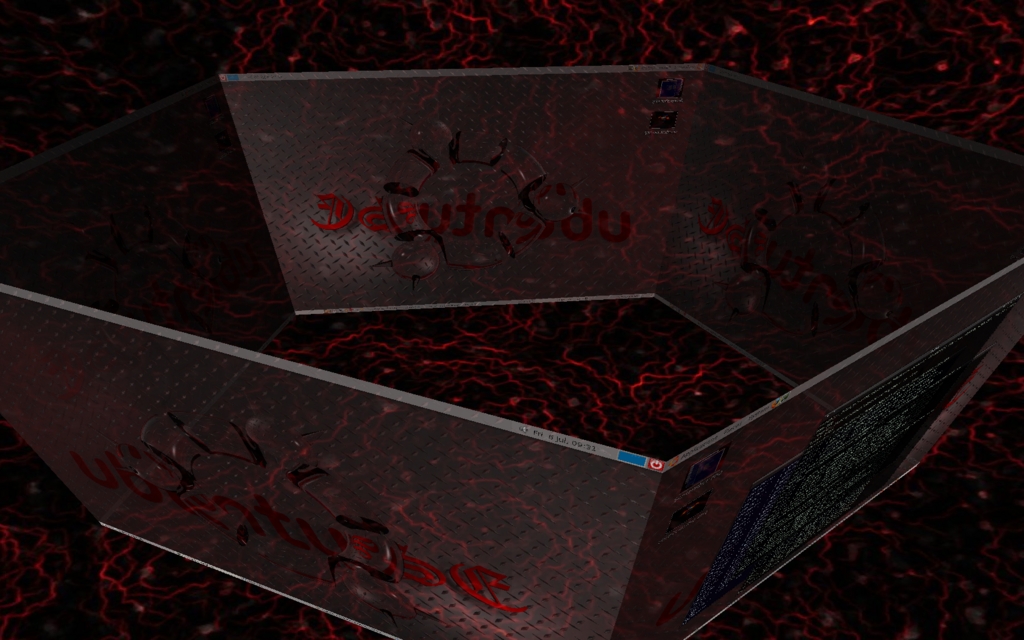
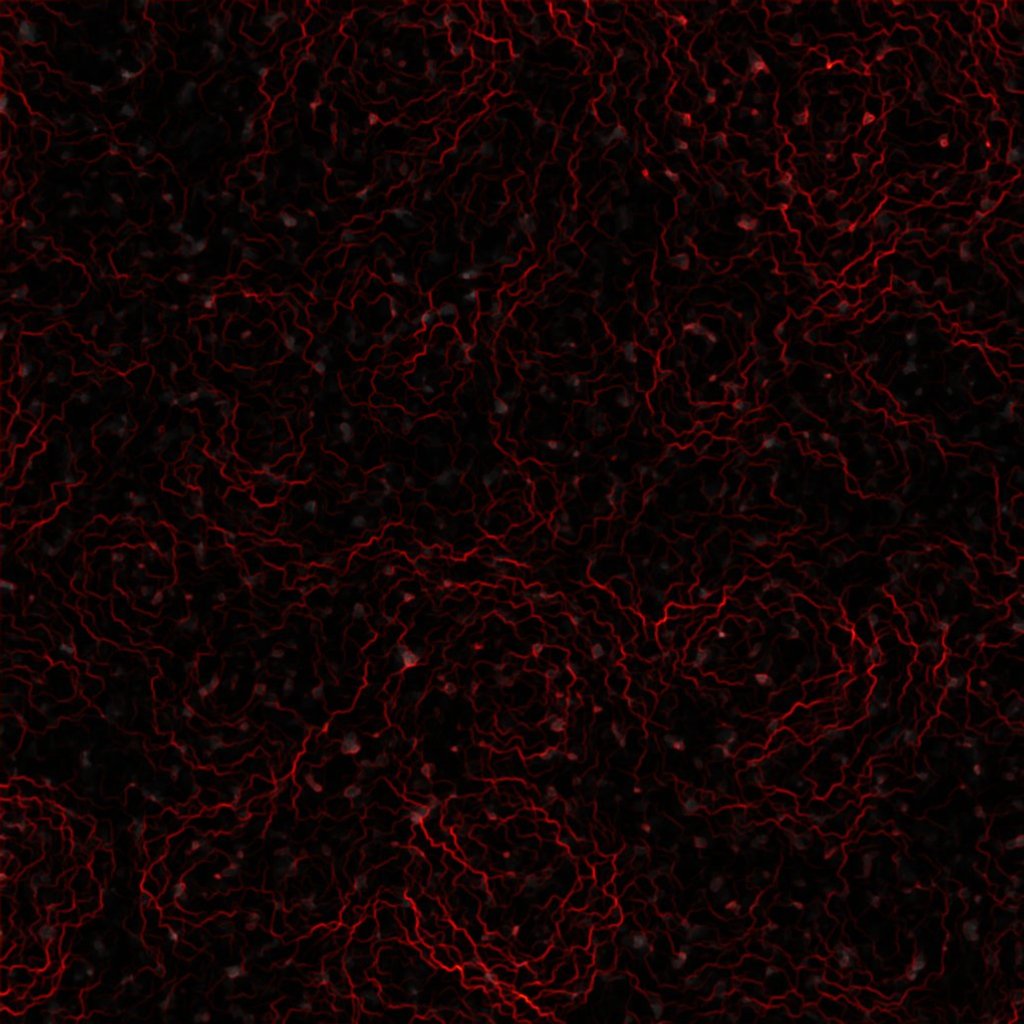
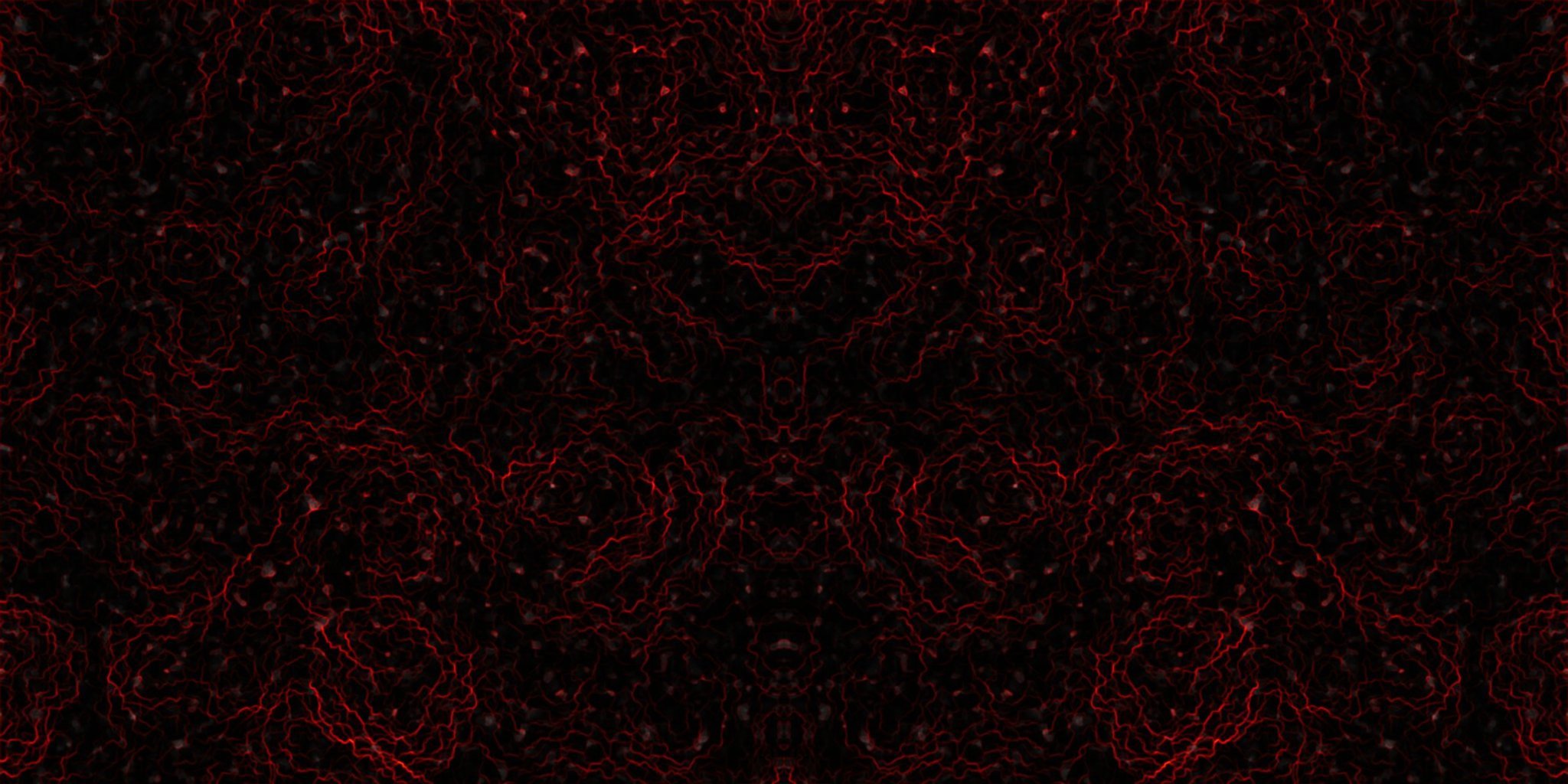
Here are some images to turn your Compiz Skydome into a molten lava pool type thing. Right click and select "Save link as.." to download them, then run "Compiz Settings Manager", click the "Desktop" icon, select "Desktop Cube" and hit the "Skydome" tab. Change the "Skydome Image" by browsing for the file. Make sure the "Skydome" checkbox is ticked.
|
|
|
|
Jan Kalab has also put together an archive of 20 SE wallpapers converted into Grub splashes: